Introducing AI Models — Configure Once, Use Across All AI Plugins
Dieser Inhalt wurde noch nicht ins Deutsch übersetzt. Wir zeigen Ihnen unten die englische Version.
If you've tried any AI-related plugins from the Eagle Plugin Marketplace, this scenario probably sounds familiar:
Install Plugin A — enter your API Key. Install Plugin B — enter it again. Install Plugin C — only to find it doesn't even support the model you use.
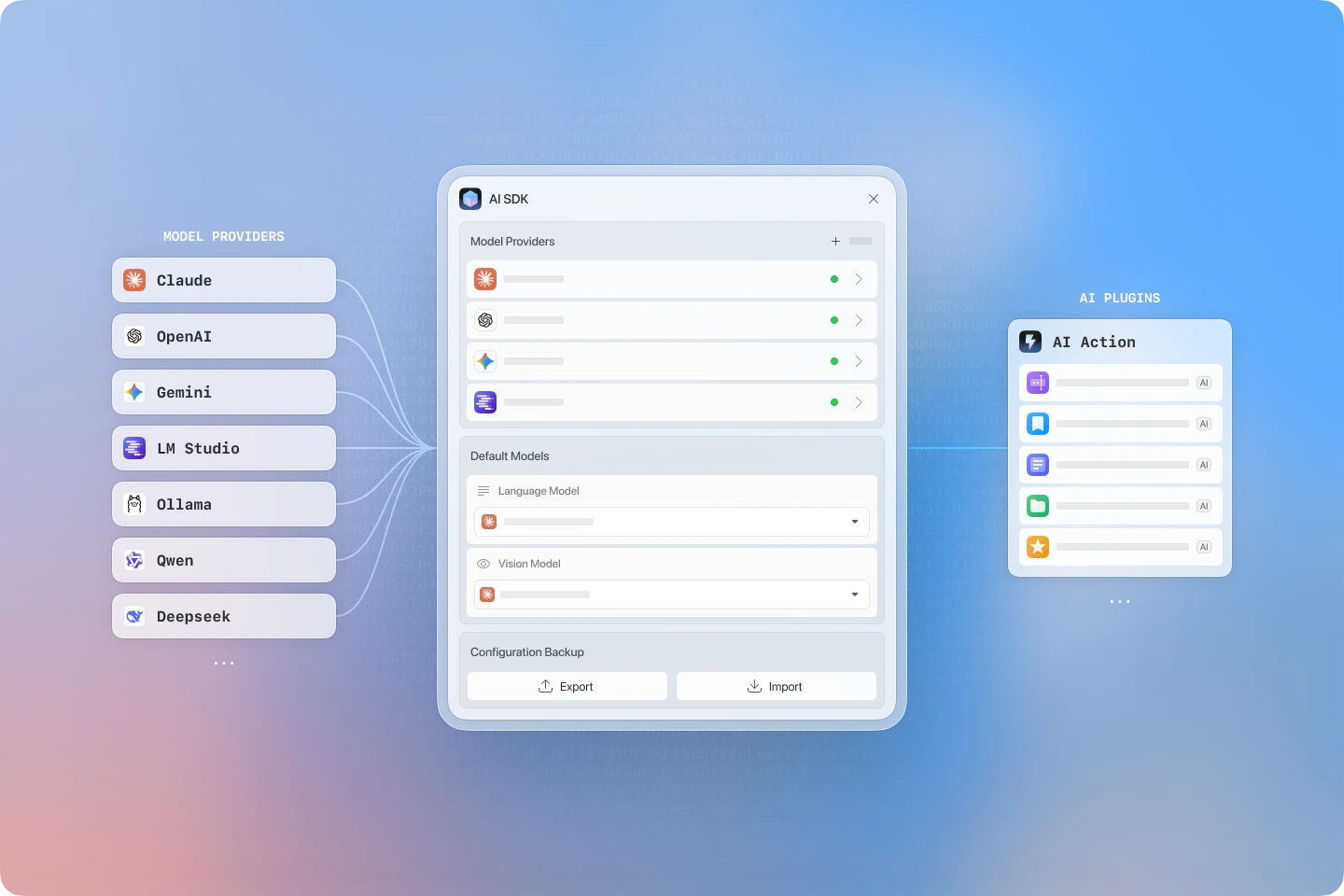 Every developer's AI plugin supports a different set of model providers. Some support OpenAI, some only Claude, some only work with one specific model. Want to use multiple plugins? You'll need to configure each one from scratch. It's painful.
And it's not just painful for users — developers feel it too. Building one AI plugin means writing a full model integration layer. Building two means writing it twice. The same boilerplate, over and over again.
We decided to solve this problem officially.
🧩 What is AI Models?
AI Models is an infrastructure plugin released by the Eagle team.
In short: You configure your AI models once, and every plugin built on top of it can use them directly — no repeated setup required.
Think of it as a "unified AI model management center" that centralizes all your API Keys, model preferences, and service configurations in one place. No matter how many AI plugins you install in the future, you'll never have to enter a Key one-by-one again.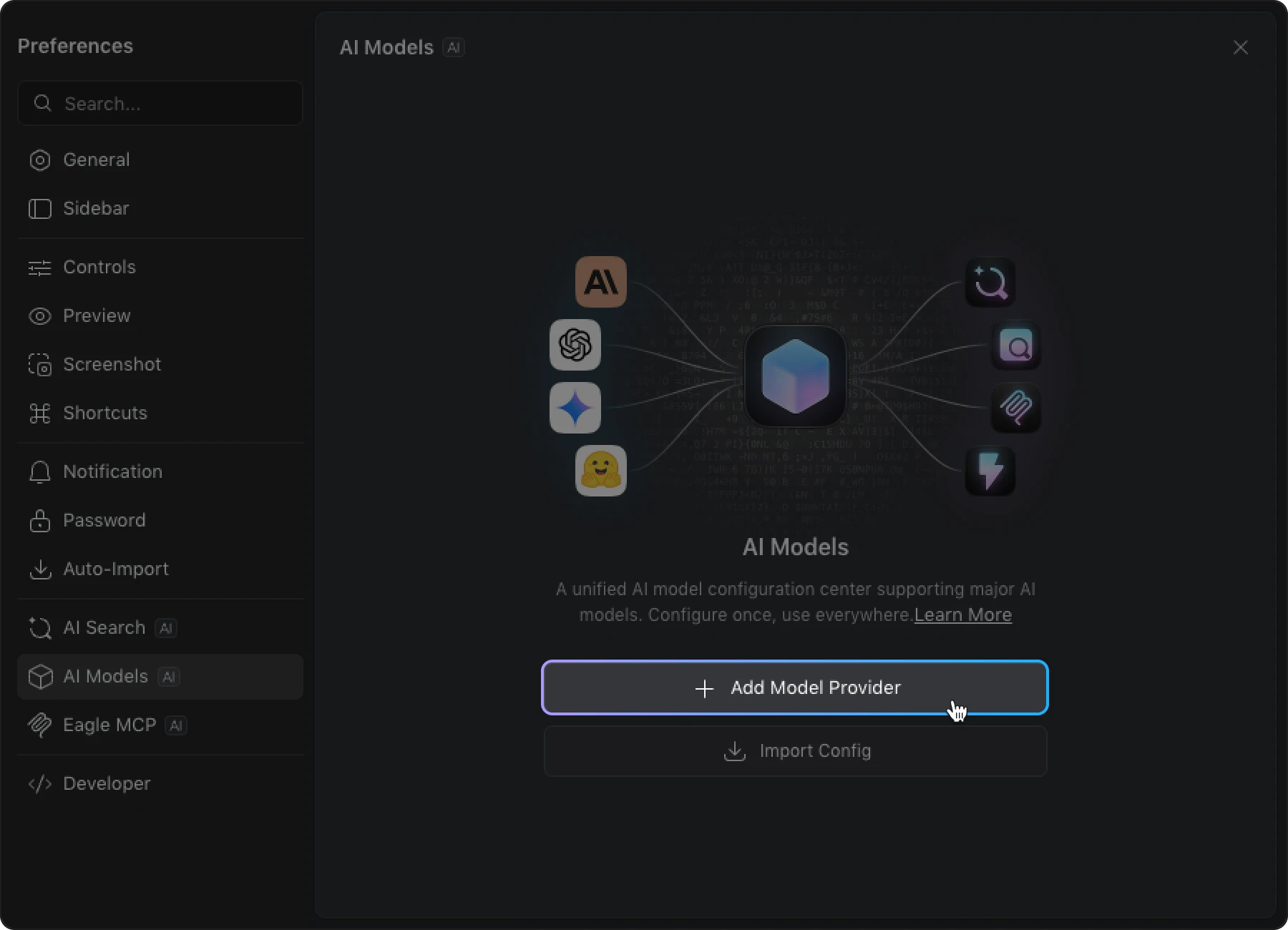
🤔 Should I Install It?
For General Users
Let's be upfront — installing it right now won't give you any immediate, direct benefit.
But think of it as getting ahead of the curve. The AI plugins we're about to release — including the official AI Search and AI Action — will all run on top of AI Models.
When those plugins go live, if you've already set up AI Models and configured your preferred model, you'll be able to start using them instantly, with zero additional setup.
For Developers
This plugin is absolutely worth your attention.
Previously, building AI-powered Eagle plugins meant handling model integration, API Key management, and multi-provider compatibility all on your own. Now, AI Models takes care of all that heavy lifting for you.
Just call the unified API and you'll have direct access to the models users have already configured — focus on your plugin's core features, not on wiring up AI providers.
👉 Documentation: Eagle AI SDK Developer Guide
✨ Supported Models
AI Models currently has built-in support for the following providers:
| Provider | Description |
|---|---|
| OpenAI | GPT-5, GPT-4o, etc. |
| Anthropic Claude | Claude Opus 4.6, Sonnet 4.6, etc. |
| Google Gemini | Gemini 3, Gemini 2.0, etc. |
| DeepSeek | DeepSeek-V3, DeepSeek-R1, etc. |
| Tongyi Qwen | Qwen series models |
| LM Studio | Local models (no API key required) |
| Ollama | Local models (no API key required) |
| OpenAI Compatible | Any service with an OpenAI-compatible API |
Only 7 or 8 providers? Don't worry.
That last one — OpenAI Compatible — is the key. The vast majority of model services on the market today support the OpenAI-compatible interface, including Groq, Mistral, and many more.
In other words, if your service supports OpenAI-compatible mode, you can configure and use it here. The actual range of usable models is far broader than the list suggests.
Local deployment users aren't left out either — LM Studio and Ollama work out of the box with no API Key required, perfect for privacy-conscious users or anyone looking to save on costs.
⚙️ How to Set Up
Setup is straightforward — open Preferences, select a provider, enter your API Key, and you're good to go.
👉 Full step-by-step guide: Guide to AI Models
🔮 What's Coming Next?
AI Models is just the first step. With this unified foundation in place, the real fun is about to begin:
AI Search — Coming Soon 🚀
Our "reverse image search" and "semantic search" plugin. Search your assets in Eagle by description or image — no more relying solely on tags and filenames.
AI Action — Final Testing 🧪
A workflow automation plugin. Automatically rename files, generate descriptions, apply tags — let AI handle the repetitive organization tasks. This plugin is itself a large-scale example built on AI Models, proving the architecture's real-world viability.
Both plugins will run on AI Models, so setting it up now is the best preparation.
💬 Looking Ahead: Eagle Agent
On the topic of AI, we're also thinking about a more fundamental challenge.
MCP and Skill are important building blocks for AI Agents, but frankly, most users haven't yet learned how to use AI Agents effectively — let alone configure these advanced capabilities on top of that.
The barrier is simply too high.
That's why, after AI Agent launches, we plan to develop a brand-new feature — Eagle Agent.
You'll simply chat with Eagle Agent, tell it what you want to do, and it will organize your asset library for you. No need to learn what MCP or Skill is, no need to set up external tools like Cursor or Gemini.
Everything, right inside Eagle.
🚀 Try It Now
👉 Head to the Eagle Plugin Marketplace and search for "AI Models" to install.
If you're a developer, we'd love to see you build your own AI plugins on top of AI Models. Created something great? We warmly welcome submissions to our Plugin Marketplace — share it with the community!
Let's make Eagle smarter, together.
Verwandte Beiträge